Build a 1 Obby on Mobile and Tablet
The same plot, the same R6 jump, touch verbs instead of R, Q, and E.
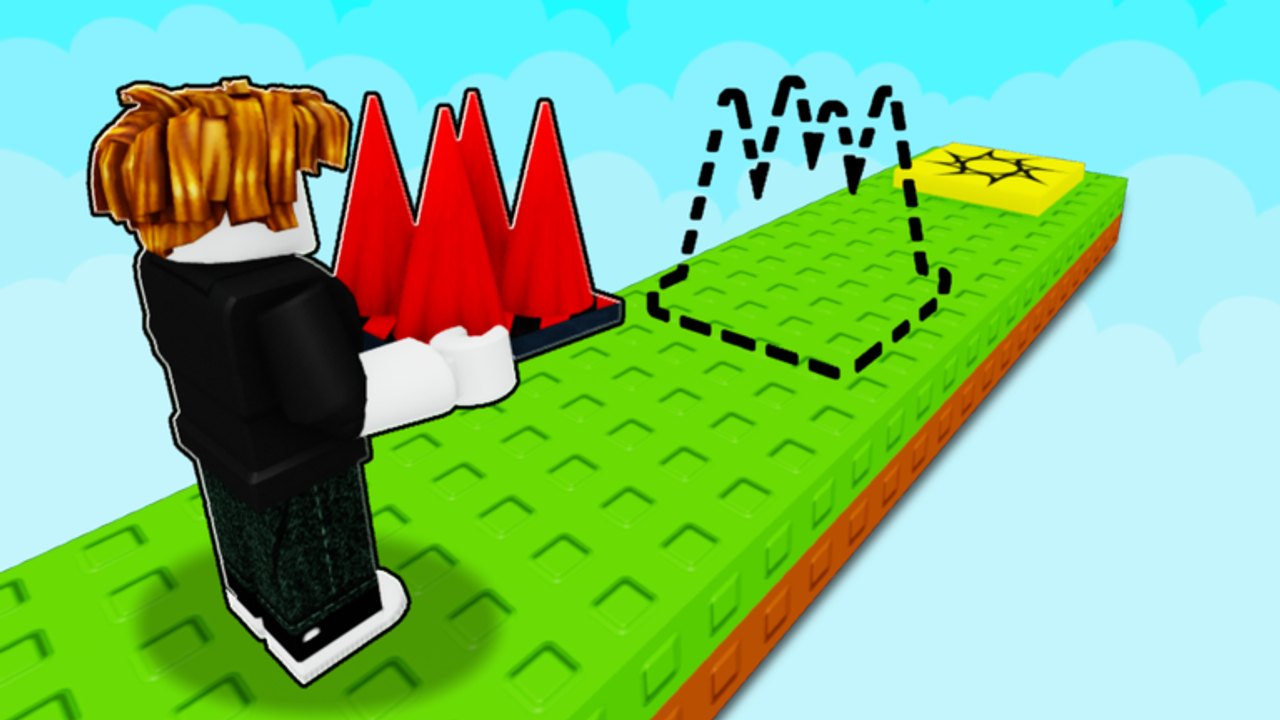
Build a 1 Obby (Roblox listing Build An Obby) is written for desktop, mobile, and tablet in the official description. That is not marketing filler. The plot, the five-player server, the shop, and the R6 jump height are the same. What changes is how you aim a snap and how visitors with thumbs experience your course. This page is the mobile and tablet layer. Full key tables still live on Controls. First-session flow stays on Getting Started.
If you only ever build on a mouse, you will still meet mobile players. Average sessions are short. A thumb user who misses your first gap leaves, and that completion never pays. Treat this guide as required reading before you hide lava or buy a plot upgrade.
What is the same on every device
- Free-to-play Roblox experience, R6 avatar, max five players.
- Claim a plot, buy parts, place an obby, earn cash from finishes and offline earnings.
- Jump feel: about five studs high, about eighteen studs far.
- Invalid snaps highlight. Double-tap refunds a part the way double-click does on PC.
- Shop restock, paint on some parts, finish line tied to your last piece — see Shop and restock.
There is no mobile-only campaign and no tablet-only plot size. If a layout only works with a mouse-precision camera, it is a PC layout wearing a cross-platform label.
Touch verbs
| Job | Touch |
|---|---|
| Place | Tap the highlighted snap |
| Rotate | On-screen rotate (same job as R) |
| Raise / lower | On-screen raise and lower (Q / E) |
| Refund | Double-tap the part |
| Move / jump | Stick + jump button |
| Camera | Drag the look area |
Thumbs cover snaps. Orbit first, then tap. If the ghost is highlighted as illegal, do not mash. Rotate until the face you want is down, then nudge height. A fat-fingered lava brick is still a kill brick for the next visitor. Refund it.
Tablet is the same verbs with more pixels. Use it when you want PC-like precision without a mouse. Phone portrait is the hardest camera; landscape helps you see the previous platform and the next snap together, which is the same framing How to Build asks for on desktop.
Camera and test rule on a phone
Build with a slightly higher, wider camera than you think you need. Play with the camera behind the character. Mixing those two is how mobile builders publish unfair first jumps: they placed from top-down and never ran the line in play camera.
Test every four parts on the device you are holding. If you build on tablet and only test on tablet, phone players still exist. Default jump, no Speed Coil (79 Robux), no Gravity Coil (199), no Flying Carpet (399). Visitors on a bus do not own your passes. Rank those spends on the gamepasses tier list after the course is finishable with thumbs.
Shop and HUD on a small screen
The shop is the same catalogue: cubes, half-cubes, spheres, platforms, walls, ramps, lava, fading platforms, wall jumps, ghost paths, jump pads, checkered platforms. On a phone the buttons sit closer to the stick. Close the shop before you jump. Accidental purchases during a test are how cash disappears without a new cube on the pad.
Restock still happens while you are in a shop wait. Do not AFK in the shop menu covering the plot; other people on the five-player server cannot tell you are reading prices. Place what you have, play the line, then reopen.
Design for thumbs, not for your coil
Mobile fail points that PC builders miss:
- Gaps that need pixel-perfect side jumps. Shorten them.
- Spheres as the only footing. Swap to cubes or platforms. The parts tier list already ranks spheres as low-trust.
- Fading platforms with no rest cube after. Thumbs are slower to re-jump.
- Hidden lava under a tap-sized pad. That is a troll joke that mobile players read as a broken snap.
- Wall jumps that need a flick the stick cannot do while also dragging camera.
Keep the first six to eight platforms wide. That is the same Getting Started line, but it matters more when the look drag fights the stick. A paying course is one a tired thumb can finish. Earn cash is visitor completions, not your personal no-hit run.
Visiting plots on mobile
You can still visit other plots. Walk, fail, leave. Do not idle on someone else’s start pad while they are placing; the server is small. Copy jump distances that felt fair on your stick, then rebuild on your plot with your own paint.
Offline earnings keep ticking if you close Roblox. Come back on whatever device is in your bag. The plot does not care. Fill it before you buy space, same as plot upgrades.
Codes, if a drop ever appears, still want a Codes field — none were confirmed as of September 2026 on the codes hub. A phone is a worse place to paste a scam loadstring; keep script notes on how to run scripts if you go there at all.
Build the line, test on the stick, then decorate. Mobile is not a lesser client. It is most of the people who will try your first jump.
Frequently Asked Questions
Quick answers for Build a 1 Obby on Roblox.
Does Build a 1 Obby work on phones?
Yes. The official listing supports desktop, mobile, and tablet with the same plot and R6 jump. Touch uses tap, on-screen rotate/raise/lower, and double-tap to refund. See Controls for the full table.
Why do mobile players fail my course?
Usually the first gap is PC-tight, a sphere is the landing, or a fade has no rest. Widen the start, test without coils, and read How to Build.
Should I buy a Flying Carpet to play on mobile?
Not to place parts. Carpet (399 Robux) and coils change how you move, not how snaps work. Test as a default jumper so visitors can finish and pay you.
Is the shop different on tablet?
Same parts and restock. More screen makes taps cleaner. Close the shop before you play-test. Details sit on Shop and restock.
Can I visit other plots from a phone?
Yes. Five-player servers are the same. Use visit other plots and leave if you cannot finish rather than blocking the builder.